Part 1: take the class, keep the files.
All 15 Part 1 episodes, two ways. Online, as a class on aislabs.ai: every lesson with its commands and notes, a check at the end of each module, and your progress saved. And as a download to keep: each video in 1080p with no ads, a lab that replays each episode on your own cluster and checks each result against the video, and the Part 1 field guide.
Watch the series on YouTubeOne-time purchase. Every lab was run on Linux before Part 1 was built, and each one matched its video.
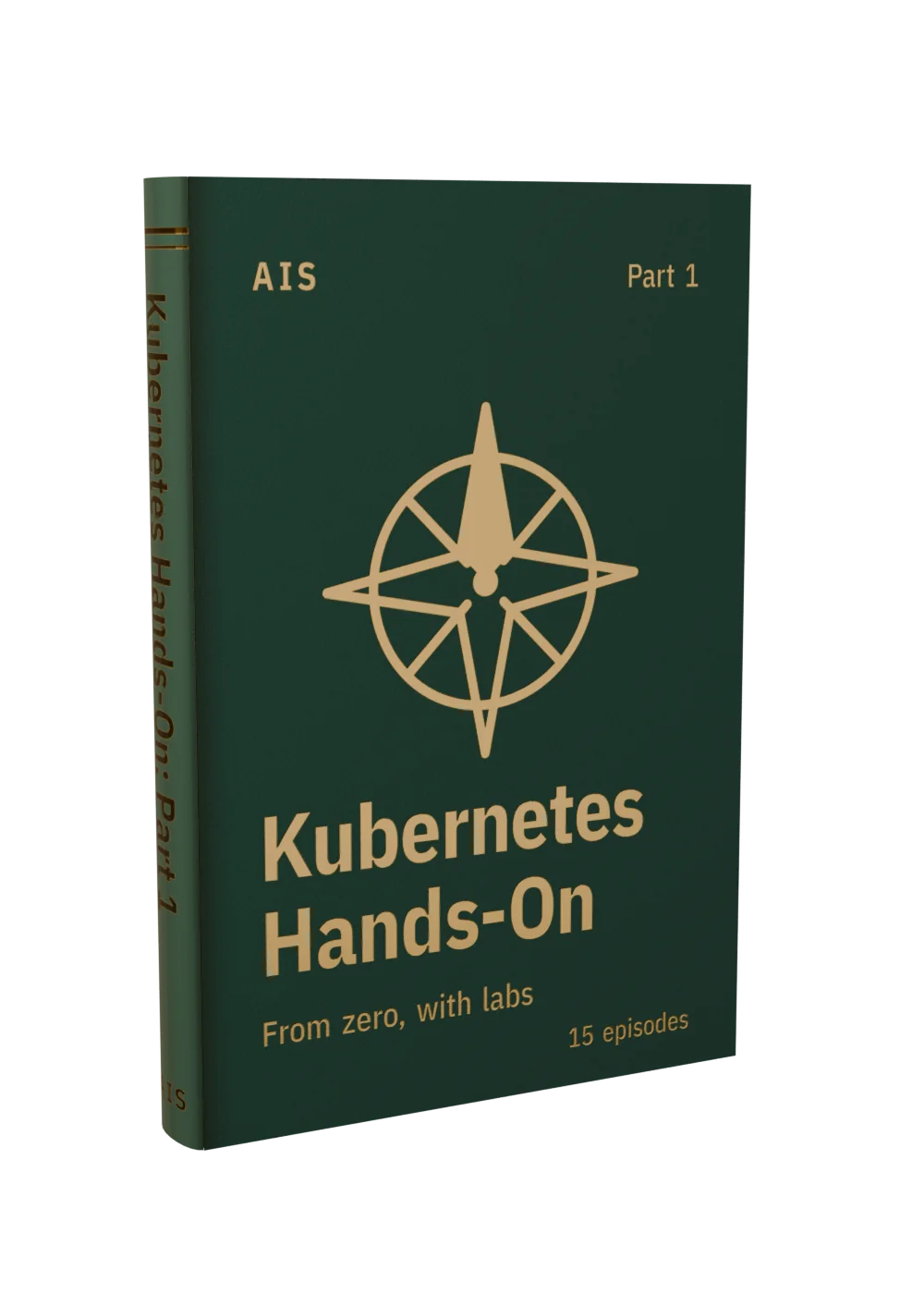

What’s in Part 1
The class, online
Every lesson in order with its video, every command with what it does and a Copy button, and lesson notes (also as a PDF). A check at the end of each of the five modules, and your progress saved as you go. Sign in on aislabs.ai with the email you bought with.
See the class →The download, to keep
One folder per episode, each with the video and a README with every command, step by step, and what you should see. On top: lab.py, which replays any episode on your cluster and checks each result against the video; the demo cluster from the videos (kind with a local image registry), set up with one command; and the Part 1 field guide.
- 01 Kubernetes Tutorial for Beginners: Your First Cluster Heals Itself Watch the episode
- 02 Docker Containers Explained: Run, Inspect and Stop a Container Watch the episode
- 03 Dockerfile Tutorial: Build Your Own Container Image Watch the episode
- 04 Run Your Own Image in Kubernetes: kind and a Local Registry Watch the episode
- 05 Kubernetes Pods Explained: Run, Describe, Logs and Exec Watch the episode
- 06 Kubernetes Labels and Selectors: How Kubernetes Finds Your Pods Watch the episode
- 07 Kubernetes Deployments: Rolling Updates and Rollbacks Watch the episode
- 08 Kubernetes Services Explained: ClusterIP, DNS and Load Balancing Watch the episode
- 09 Reach Your App From Outside: kubectl port-forward vs NodePort Watch the episode
- 10 Kubernetes Namespaces: Organize and Isolate Workloads Watch the episode
- 11 Kubernetes ConfigMaps: Environment Variables vs Mounted Files Watch the episode
- 12 Kubernetes Secrets: Why Base64 Is Not Encryption Watch the episode
- 13 kubectl apply, diff and explain: Declarative Kubernetes Watch the episode
- 14 Kubernetes Probes: Liveness, Readiness and Startup Watch the episode
- 15 Kubernetes Requests and Limits: OOMKilled and Pending, Live Watch the episode
Part 1, or a membership?
The episodes stay free on YouTube. Part 1 is yours to keep: the class and the download. A membership opens every class online while you’re a member, with no downloads.
| What you get | Buy Part 1 $79 once | Membership $29 a month or $290 a year |
|---|---|---|
| The Part 1 class online | ✓ | ✓ |
| Every other class online | — | ✓ |
| The download: every video in 1080p, the labs and the field guide | ✓ | — |
| Yours to keep | ✓ | While you're a member |
Get Part 1
$79 · one-time, no subscription
- ✓The Part 1 class on aislabs.ai: 15 lessons with their notes, a check for each module, your progress saved
- ✓15 episodes to download: the video, every command and a self-checking lab for each
- ✓Videos in 1080p, no ads, yours to keep
- ✓Every lab run on Linux before Part 1 was built: each one matched its video
- ✓The demo cluster from the videos, set up with one command
- ✓The Part 1 field guide (PDF)
- ✓One zip, about 240 MB, with a START HERE guide
- ✓Your download link always serves the newest version
- ✓Email support at [email protected]
After checkout, your download link arrives by email (card) or appears on the confirmation page (crypto). Keep it: it starts a fresh download each time you open it, and it always serves the newest version. To open the class, sign in on aislabs.ai with the email you used at checkout.
For personal use: take the class, watch the videos, run the labs, and use the commands at work or at home. Sharing or selling the videos or the files isn’t covered by this purchase. The labs create and delete things, so run them on the demo cluster, never on a cluster you depend on.
Kubernetes is a registered trademark of The Linux Foundation. Kubernetes Hands-On is an independent series from AIS and is not affiliated with or endorsed by it.