AIS
Layer & Lever · free daily series

Printable mechanisms, built from Python in Blender.

One mechanism a day, from a print-in-place hinge to a pendulum clock. Every part is drawn by a short Python script you can read, and every episode shows one real mistake and its fix. The STL and the script are free the morning each episode airs: sign up with your email once, and every file unlocks.

New episode every morning at 7:30 AM Pacific. Every model is checked in Blender; none has been test-printed yet.
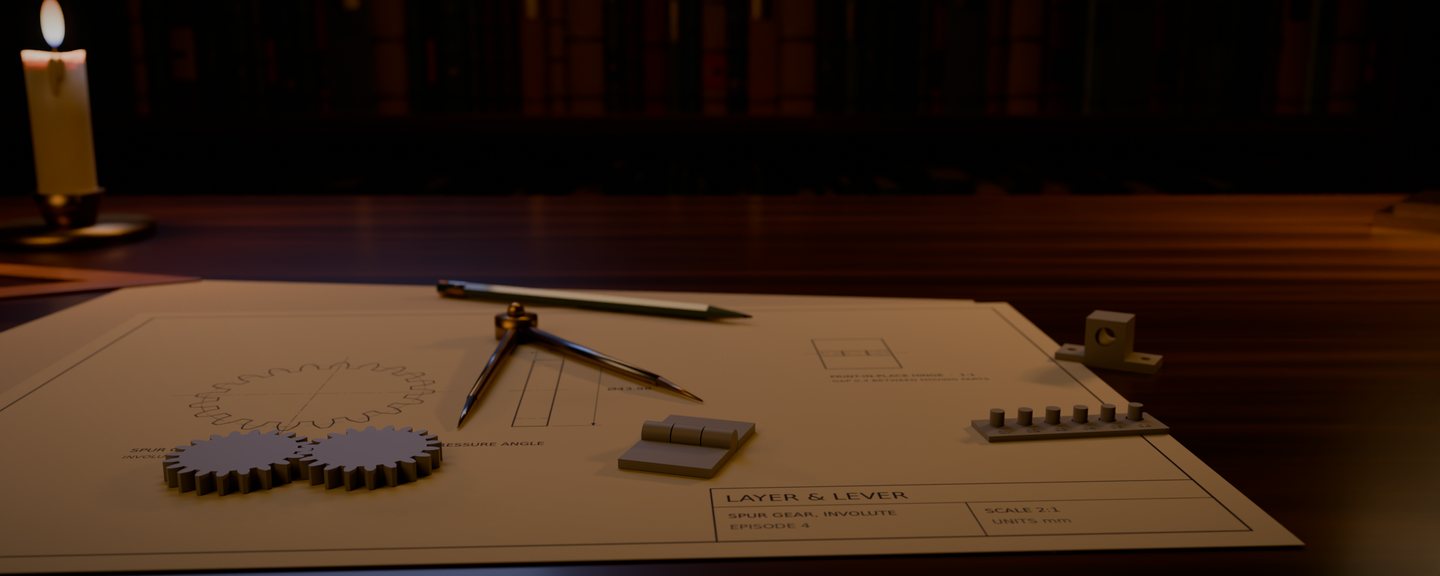
A drafting table at night: episode 4's spur gear drawn on a sheet, two grey prototype gears meshed in front of the drawing, the print-in-place hinge, the clearance coupon and a shaft bracket, with brass dividers, a pencil and a candle; bookshelves behind

Free files

The newest models first. Each episode's files appear here the morning it goes public: the STL for your slicer, and the script that builds it in Blender. They’re free with your email: sign up once, below, and every file unlocks here, with a link by email for your other devices.

L&L 004Oct 22, 2026

3D Printable Gears in Blender: Involute Teeth from Python

Part 1 · Printable from code
  • gear.stl 94 KB
  • gear.py 3 KB
  • layerlever.py 2 KB
Get the files, free with your email →

Open layerlever.py in Blender's Text Editor first; gear.py loads check() from it.

Watch the episode →

The STL

Open it in your slicer. Sizes are in millimetres, so it arrives at the size it was drawn.

The script

In Blender's Scripting tab, open the .py file in the Text Editor and press Run Script. It rebuilds the model and writes the STL to your home folder. Written in Blender 5.2.

Checked, not yet printed

Every model is checked in Blender before it's published; from episode 3 on, with check(), which counts open edges, walls under 0.8 mm and overhangs. None has been test-printed yet.

Every episode

Four parts of fifteen. Each title turns into a link the morning its episode goes public, with its files beside it.

Part 1 · Printable from code

  1. 01 Print-in-Place Hinge: Prints Already Assembled (Blender + Python) hinge.stl · hinge.py
  2. 02 Why Your Blender Model Is Tiny in the Slicer (and the Fix) coupon.stl · coupon.py
  3. 03 Is It Printable? Check a Blender Model with Python bracket.stl · printcheck.py
  4. 04 3D Printable Gears in Blender: Involute Teeth from Python gear.stl · gear.py · layerlever.py
  5. 05 Make Two Gears Mesh: Center Distance and Gear Ratio gears.stl · gears.py · layerlever.py
  6. 06 Print-in-Place Gear Fidget: Two Gears, One Print
  7. 07 Snap-Fit Lid in Blender: Clips That Click
  8. 08 Printable Bolt and Nut in Blender: Threads from a Helix
  9. 09 Printed Holes Come Out Small: Polyholes and Teardrops
  10. 10 Print-in-Place Ball Joint in Blender
  11. 11 Print-in-Place Chain: Links That Never Need Assembly
  12. 12 Living Hinge Flip-Top Box in Blender
  13. 13 3D Printed Springs: Flexure, Coil and Spiral
  14. 14 Can an AI Build a Printable Hinge? (Blender MCP Test)
  15. 15 One Print, Five Mechanisms: the Part 1 Sampler

Part 2 · Gears and gearboxes

  1. 16 Why Small Gears Break: Undercut and Profile Shift
  2. 17 Rack and Pinion in Blender: Rotation to a Straight Line
  3. 18 Internal Ring Gear: Teeth on the Inside
  4. 19 Planetary Gears: Sun, Planets, Ring (and the Rule That Fits Them)
  5. 20 Print-in-Place Planetary Gearbox in Blender
  6. 21 Herringbone Gears: Why 3D Printers Love Them
  7. 22 Bevel Gears in Blender: Turning a Corner
  8. 23 Worm Gear: Huge Reduction, Self-Locking
  9. 24 Gear Ratios: a 60:1 Compound Gear Train
  10. 25 How a Car Differential Works (Printable Model)
  11. 26 Cycloidal Drive in Blender: The Robot-Joint Reducer
  12. 27 Harmonic Drive: the 1959 Invention Inside Robot Arms
  13. 28 The 1884 Rotary Egg Beater, Rebuilt and Printable
  14. 29 Can an AI Design a Working Gear? (Blender MCP Test 2)
  15. 30 Two-Stage 100:1 Planetary Gearbox (Part 2 Finale)

Part 3 · Linkages, cams and ratchets

  1. 31 Crank and Slider: How a Piston Moves (Python Solver)
  2. 32 Scotch Yoke: Perfect Sine Motion from a Crank
  3. 33 Four-Bar Linkage and Grashof's Rule
  4. 34 Draw a Straight Line with Pivots: Watt, Chebyshev, Peaucellier
  5. 35 Pantograph: Copy and Scale a Drawing
  6. 36 Scissor Lift in Blender (Lazy Tongs)
  7. 37 Toggle Clamp: How Over-Centre Locking Works
  8. 38 Universal Joint vs Oldham Coupling
  9. 39 Jansen Walking Linkage: a Leg Made of Sticks
  10. 40 Cam and Follower: Design the Motion, Then the Shape
  11. 41 Ratchet and Pawl: One Way Only
  12. 42 Geneva Drive: Smooth In, Stepped Out
  13. 43 How a Click Pen Works (Printable Cutaway)
  14. 44 Can an AI Build a Linkage? (Blender MCP Test 3)
  15. 45 A Wind-Up Car from a 1954 Toy Motor (Part 3 Finale)

Part 4 · Everyday inventions and a clock

  1. 46 How a Pump Dispenser Works (Printable Cutaway)
  2. 47 How a Tally Counter Counts (Printable Model)
  3. 48 Child-Resistant Caps: How Push-and-Turn Works
  4. 49 The 1915 Binder Clip, Rebuilt
  5. 50 How a Zip Tie Locks: the Hidden Pawl
  6. 51 How a Tape Measure Works: Curved Blade, Coiled Spring
  7. 52 How a Pin Tumbler Lock Works: the 1865 Design, in Cutaway
  8. 53 How a Combination Padlock Works: the Wheel Pack
  9. 54 The Balanced-Arm Desk Lamp: Springs That Cancel Gravity
  10. 55 The 1997 Toy Everyone Calls the First Fidget Spinner
  11. 56 How a Zipper Works: Sundback's 1917 Design, Printable
  12. 57 Can an AI Rebuild a Classic Invention? (Blender MCP Test 4)
  13. 58 Printable Pendulum Clock, Part 1: The Escapement
  14. 59 Printable Pendulum Clock, Part 2: Gear Train and Weight
  15. 60 The Clock Runs: Season Finale

The Printer Dial-In Kit

Print-in-place parts live or die by one number: the gap between parts that have to move. It depends on your printer, so measure it once. The kit is a one-page guide to episode 2's clearance coupon: six pins in six holes, with gaps from 0.1 to 0.6 mm. Print it, try each pin, and use the smallest gap that turns freely wherever a script sets one (GAP in episode 1's hinge, for example).

  • The guide (PDF): how to read the coupon, and where the gap goes in the scripts.
  • The coupon: episode 2's STL and script.
  • check(): episode 3's printability check, as layerlever.py.

Get the free files and the Printer Dial-In Kit.

Sign up once: every episode's STL and script unlock here right away, and the kit guide arrives by email with a link that unlocks the files on your other devices. Free.

No spam. Unsubscribe anytime.

The files are free for personal use: print them, change them, learn from them. Selling prints of these designs isn't covered by this free use.

Blender is a registered trademark of the Blender Foundation. Layer & Lever is an independent series from AIS and is not affiliated with or endorsed by the Blender Foundation.