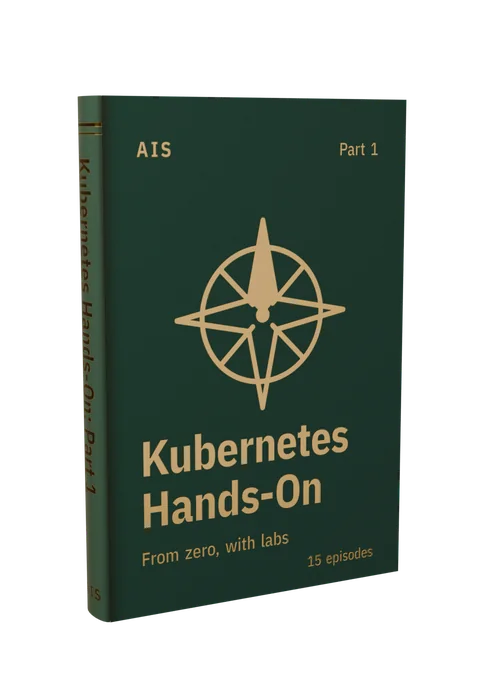
Kubernetes Hands-On · class
Kubernetes Hands-On Part 1: Kubernetes from Zero
Fifteen short, hands-on episodes that take you from your first cluster to running, updating, configuring and sizing your own apps on Kubernetes. Every command is typed live on a real cluster, and each lesson lists them all with what they do.
By the end of Part 1 you can build an image, run it on a cluster, reach it, configure it, and tell Kubernetes when it's healthy and how much it needs, having typed every command yourself.
15 lessons and 5 module checks · about 47 minutes of video
Already have Part 1 or a membership? Sign in.
What's in the class
- Every lesson's video, with each command and what it does
- Lesson notes for every lesson, on the page and as a PDF
- A check at the end of each module, with your best score saved
- Your progress saved as you go
The class comes with Part 1 or a membership.
| What you get | Buy Part 1 $79 once | Membership $29 a month or $290 a year |
|---|---|---|
| The Part 1 class online | ✓ | ✓ |
| Every other class online | — | ✓ |
| The download: every video in 1080p, the labs and the field guide | ✓ | — |
| Yours to keep | ✓ | While you're a member |
Curriculum
Each module in a sentence, then its lessons.
Start here
- How this class works Locked
- Set up your lab Locked
- Where to ask Locked
-
Module 1 · 4 lessons and a check Clusters and containers Make your first cluster and watch it heal itself, then learn the container basics underneath it: run a container, build your own image, and run that image in Kubernetes.
- 01 Your first cluster heals itself 2:53 Locked
- 02 Docker containers explained 2:30 Locked
- 03 Dockerfile tutorial: build your own image 2:45 Locked
- 04 Run your own image in Kubernetes 2:32 Locked
- Module 1 check · 4 questions Locked
-
Module 2 · 3 lessons and a check Pods and deployments Run a pod and look inside it, find pods by their labels, and ship a new version with a rolling update you can roll back.
- 05 Kubernetes pods explained 1:51 Locked
- 06 Kubernetes labels and selectors 1:41 Locked
- 07 Rolling updates and rollbacks 2:13 Locked
- Module 2 check · 4 questions Locked
-
Module 3 · 2 lessons and a check Services and networking Give a set of pods one stable name with a Service, then reach the app from outside the cluster with port-forward and a NodePort.
- 08 Kubernetes services explained 3:40 Locked
- 09 port-forward vs NodePort 4:18 Locked
- Module 3 check · 4 questions Locked
-
Module 4 · 4 lessons and a check Configuration Keep apps apart with namespaces, give them settings with ConfigMaps and Secrets, and manage it all as YAML with apply, diff and explain.
- 10 Kubernetes namespaces 3:54 Locked
- 11 Kubernetes ConfigMaps 3:57 Locked
- 12 Kubernetes secrets 3:52 Locked
- 13 kubectl apply, diff, explain 3:32 Locked
- Module 4 check · 4 questions Locked
-
Module 5 · 2 lessons and a check Health and resources Tell Kubernetes when a pod is healthy with probes, and size it with requests and limits, including what happens when you get them wrong.
- 14 Kubernetes probes 3:40 Locked
- 15 Requests and limits 3:26 Locked
- Module 5 check · 4 questions Locked